
Intro to Ozobot Blockly Video Lessons - Grades K-1

Introduction to Ozobot Blockly updated video lessons are here, available for grades Kindergarten through first. Each video lesson contains a full lesson plan, a student-facing instructional video with direct steps, with flexibility to teach in person or remote.
These lessons are designed for all educators and students; no coding or CS experience needed. They’re the perfect place to start if:
- You’re looking to build foundational CS skills
- You want an introduction to Ozobot basics, before moving on to content-integrated Ozobot lessons in math, ELA, science, and more
Lessons:
Introduction to Ozobot Blockly 01: Basic Training
Grades: K-1
Computer Science
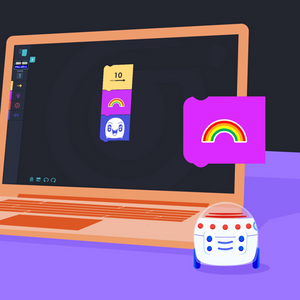
In this lesson, students will learn how to navigate through Ozobot Blockly, program simple block-based code, and run code on their Evo.
Introduction to Ozobot Blockly 02: Sequences
Grades: K-1
Computer Science
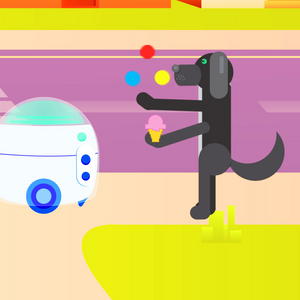
Students will learn about sequences in programming, and program their Evo to perform a series of commands in order, according to actions in a short story.
Introduction to Ozobot Blockly 03: Loops
Grades: K-1
Computer Science
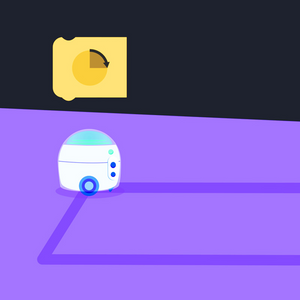
Students will build a short sequence and add a count-controlled loop to program Evo to travel in a square.
Introduction to Ozobot Blockly 04: Forever Loops
Grades: K-1
Computer Science
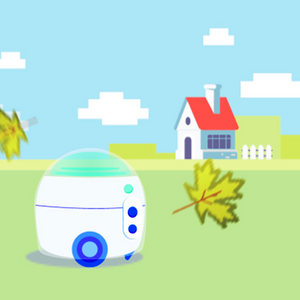
Students will use the days of the week, and seasons of the year to create programs using forever loops.
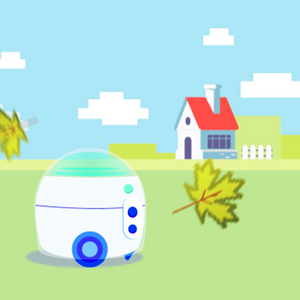
Introduction to Ozobot Blockly 05: Debugging
Grades: K-1
Computer Science
Students will identify incorrect and correct blocks that are hidden in programs by holding up a paper cut-out of the block.
Introduction to Ozobot Blockly 06: Skills Check
Grades: K-1
Computer Science
Students will review the concepts they have learned in the previous five lessons, and finish with an Ozo-vacuum.