Code & Conquer Season 2

Design a space. Test it. Bring it to life with Ozobot.

Register your team
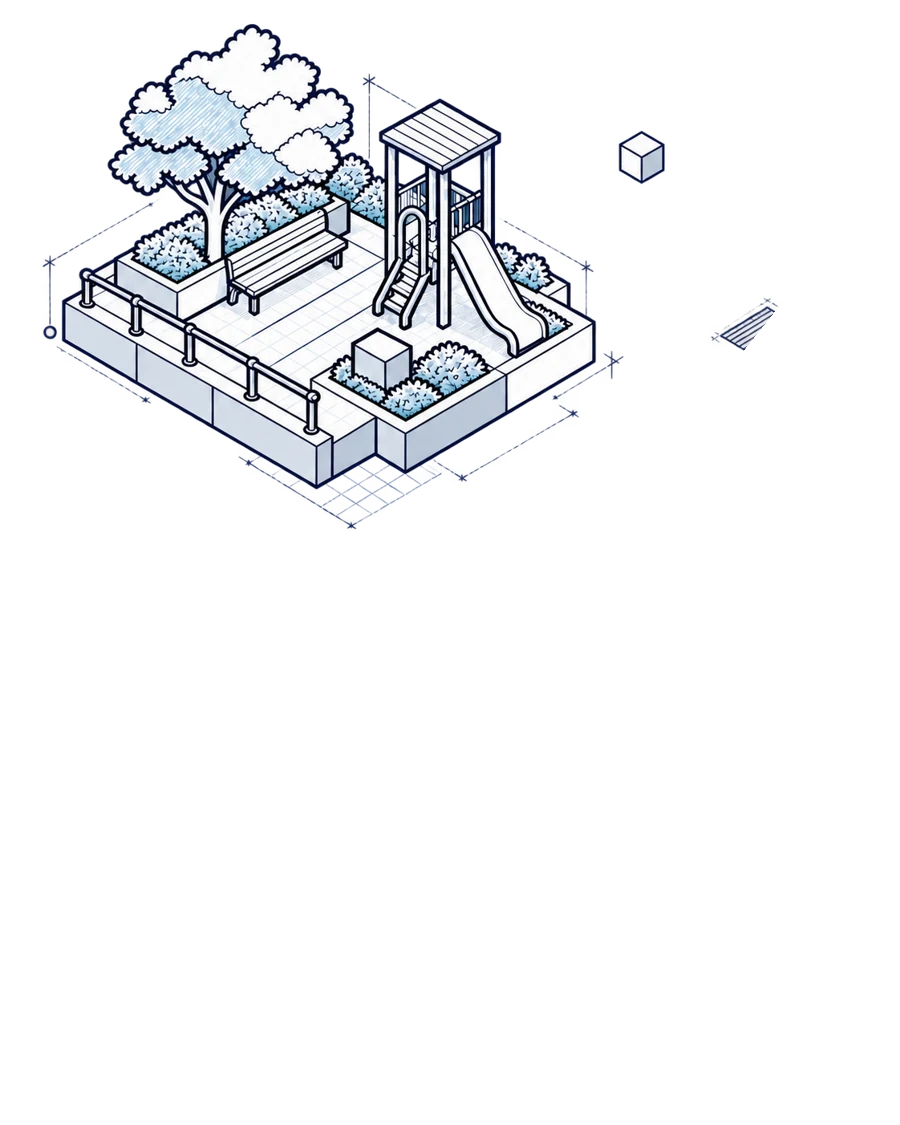
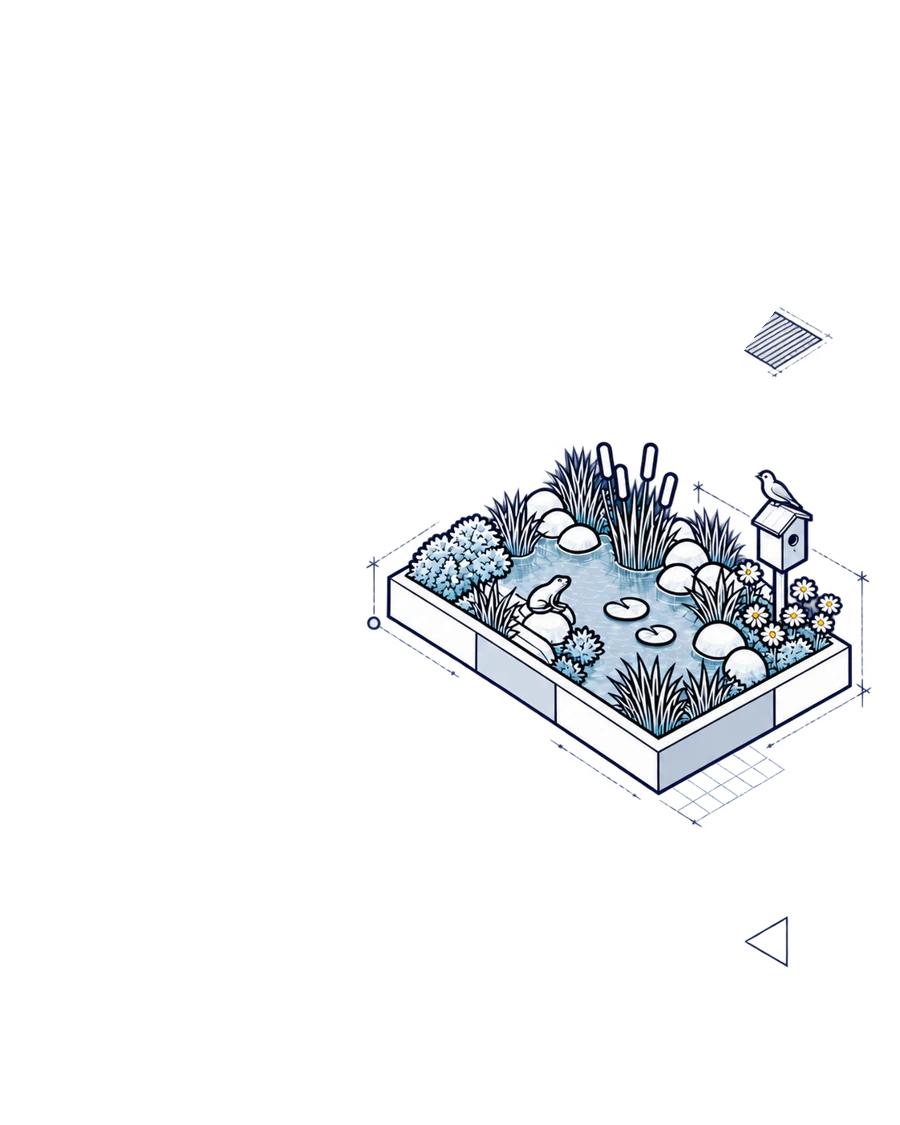
Line drawing of three community spaces: a playground, a pond habitat and a garden

The three briefs

Explore three possibilities.
Develop one.

Every team sketches all three briefs before selecting one.

Brief 1

1

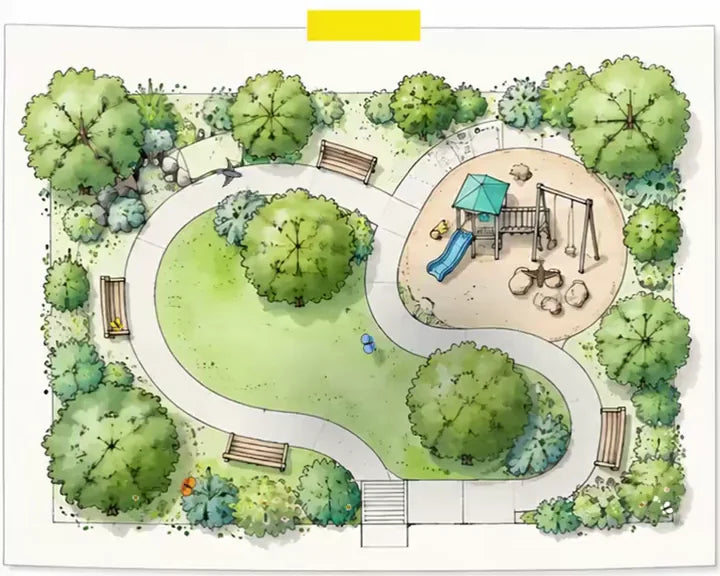
Watercolor plan of a park with a playground, seen from above

The Community Brief

The challenge

Design a public space for people. Consider how it can work for everyone who uses it.

Ozobot's role

A person using the space.

Example ideas

An accessible playground, library plaza, park, or main street.
Brief 2

2

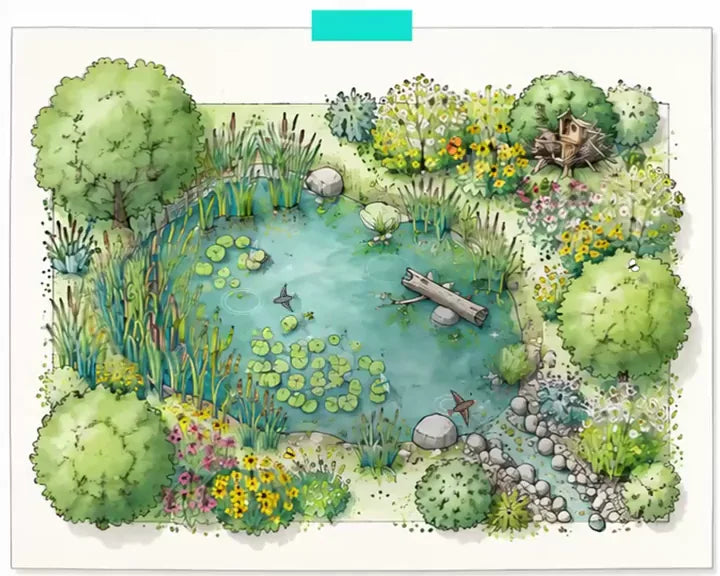
Watercolor plan of a pond habitat, seen from above

The Ecosystem Brief

The challenge

Design a habitat that meets a creature’s needs for food, water, shelter, and safe passage.

Ozobot's role

A creature moving through the habitat.

Example ideas

A pollinator garden, frog pond, wetland, or bird nesting area.

Brief 3

3

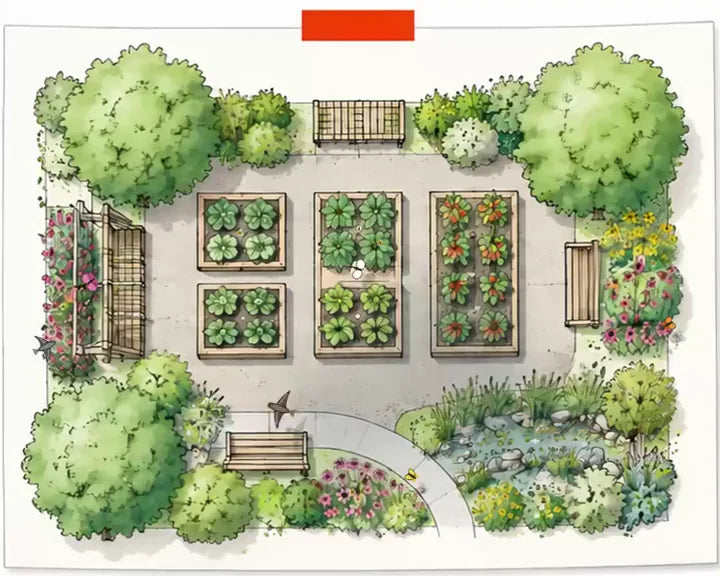
Watercolor plan of a community garden, seen from above

The Build Brief

The challenge

Design one space that serves people and nature at the same time.

Ozobot's role

A person, a creature, or both.

Example ideas

A school garden, wildlife-friendly greenway, or shaded gathering space beside a rain garden.

TipThese are starting points. Teams can create any space that fits the brief.

How it works

Sketch. Choose. Test. Share.

  1. 1

    Sketch three concepts.

    Explore one brief at a time. Students brainstorm independently, share their ideas, and create a team concept sketch from a bird’s-eye view.

  2. 2

    Choose your strongest idea.

    Compare the three concepts, discuss how each meets its users’ needs, and decide which one to develop.

  3. 3

    Bring it to life with Ozobot.

    Draw the selected design at scale on butcher paper. Program Ozobot, test the route, revise the design, and test again.

  4. 4

    Share your design story.

    Show the finished space, demonstrate Ozobot’s full run, and explain what changed from the original sketch.

Coaches

Built for a once-a-week schedule

Plan one session per concept brief, one for selection, most remaining sessions for building and testing, and the final one or two for preparing the submission. Adjust the number of sessions to fit your team.

Who can participate?

Two divisions.
Teams of 1–4.

Teams include 1–4 students and a coach. The two grade divisions are judged separately.

Grades K–2
Robot

Evo

Minimum coding requirement

At least 3 coded behaviors, each connected to a design feature.

Grades 3–5
Robot

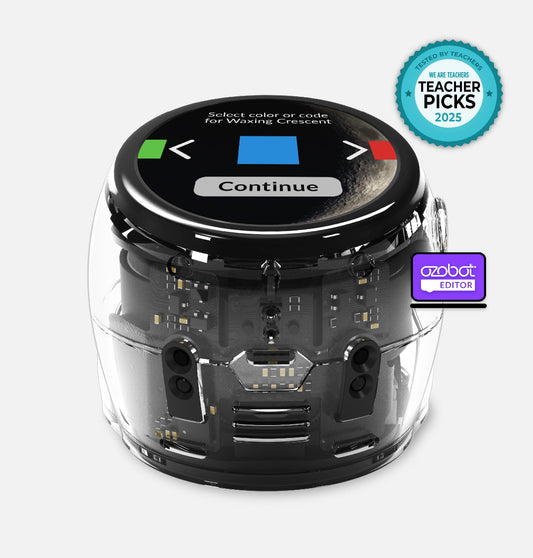
Evo or Ari

Minimum coding requirement

At least 4 coded behaviors, each connected to a design feature.

Coding guidance

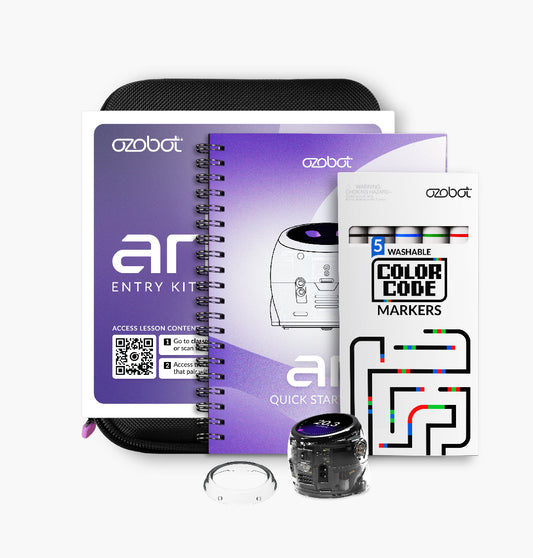
Teams can use Color Codes or Blockly/Editor, with Ari sensors also available to the grades 3–5 division. Judging focuses on how well the coding supports the design; no robot or coding approach earns a higher score by default.

Before you start

Materials checklist

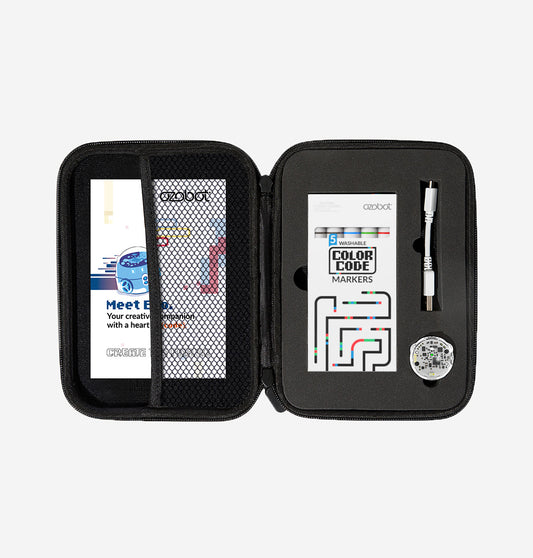
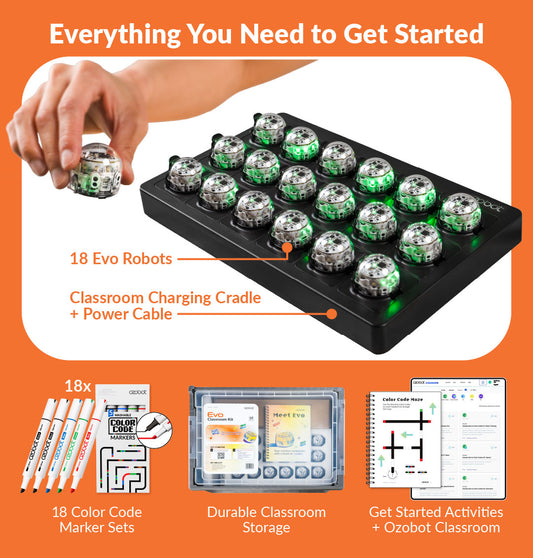
  • At least one eligible Ozobot robot per team
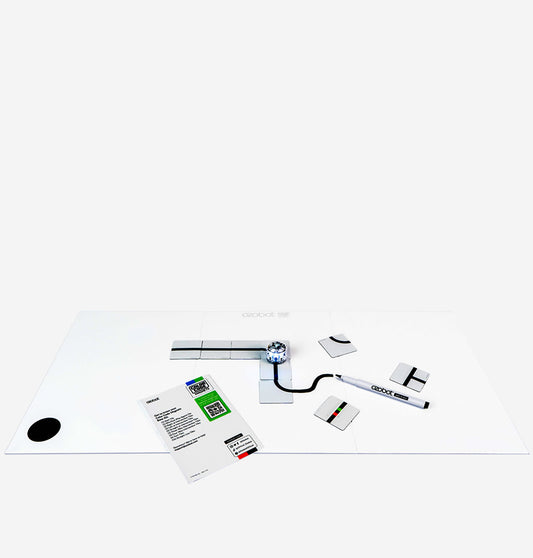
  • Color Code markers
  • Concept Design Sheets
  • Butcher paper and drawing/coloring supplies
  • A compatible tablet, Chromebook, or computer if using Blockly
  • A smartphone or tablet to record the submission video

Ozobot’s role

Every move
tells part of the story

Ozobot plays whoever uses your space. Each coded move matches something the team designed.

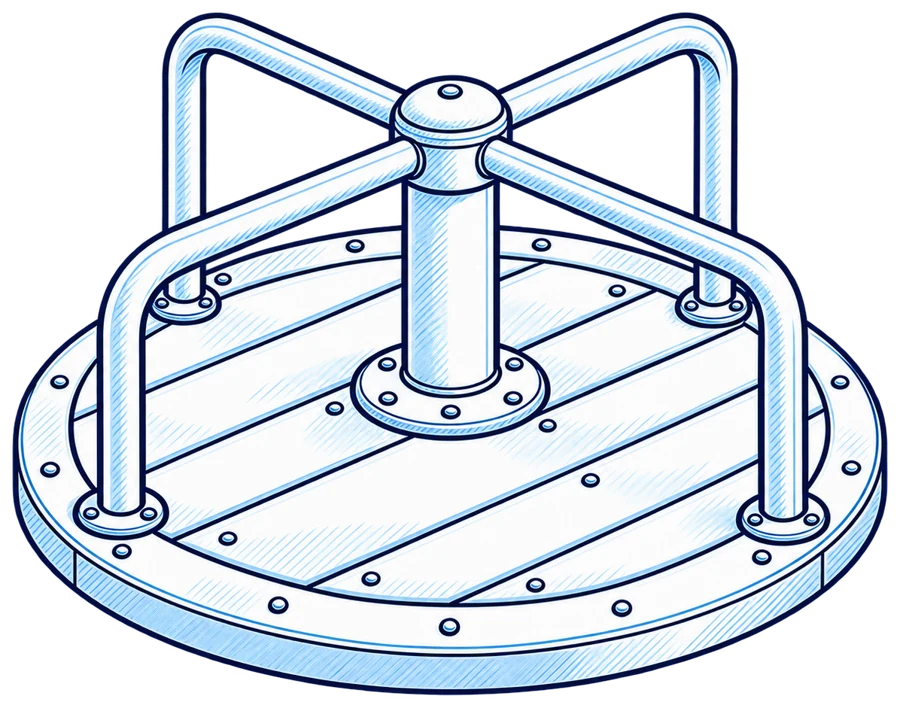
Line drawing of a swing set

A spin at the playground

Ozobot represents a child playing.

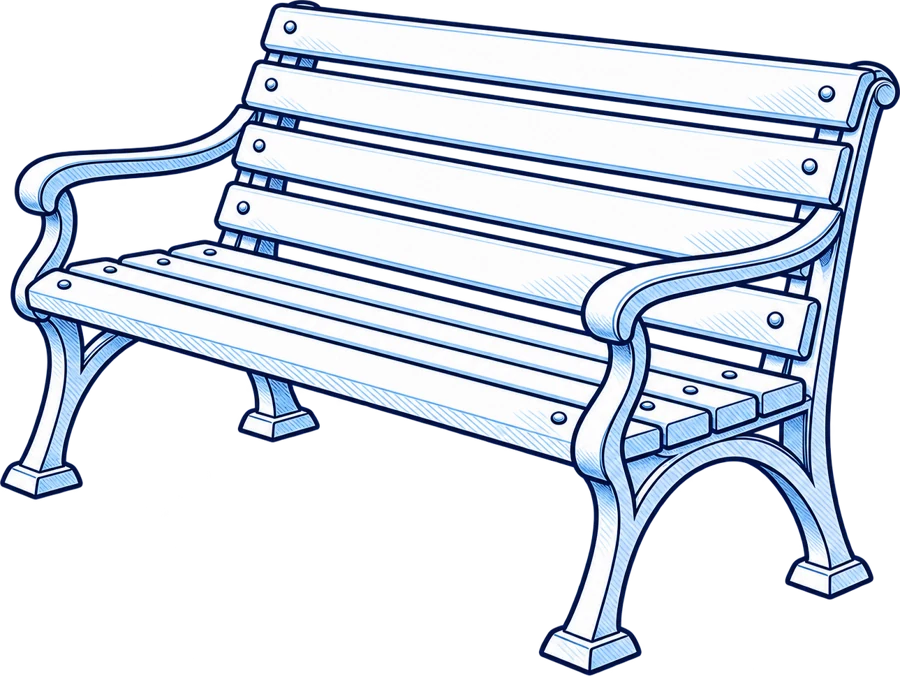
Line drawing of a park bench

A pause at the reading bench

Ozobot represents a visitor stopping to rest.

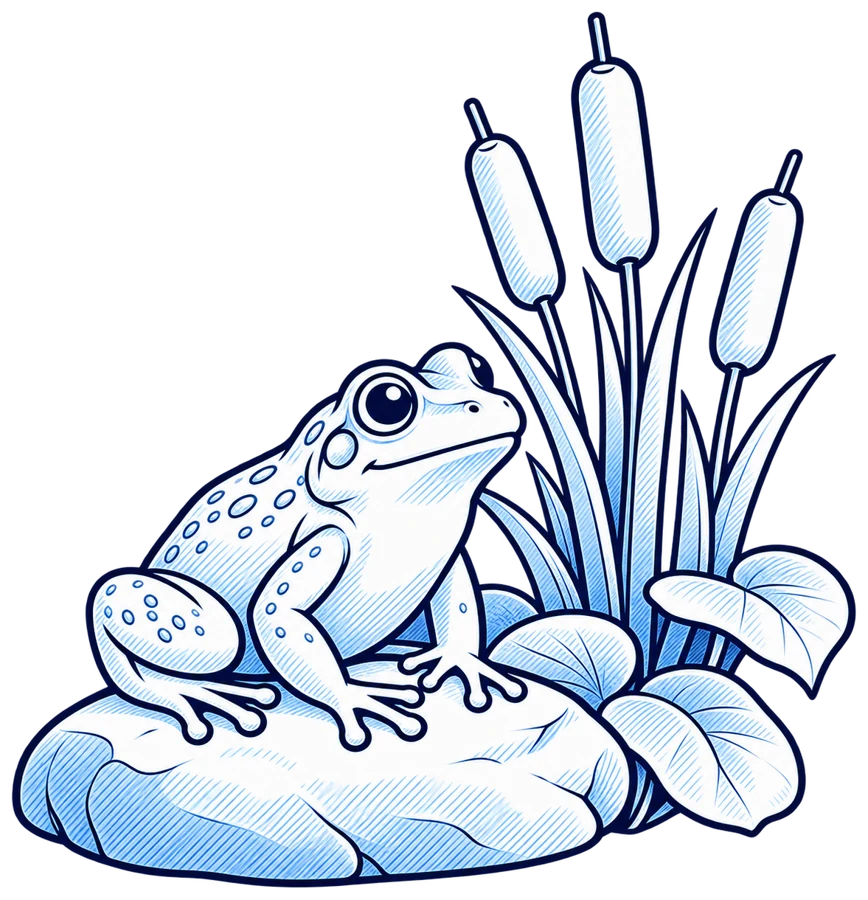
Line drawing of a pond habitat with a frog and a birdhouse

A color change at the pond

Ozobot highlights a feature of the habitat.

Every design must

Design requirements

  • Identify who or what Ozobot represents.
  • Create a continuous path with marked start and end points, or a loop.
  • Connect every coded behavior to a specific, labeled feature.
  • Show one uninterrupted run through the full design in the submission video.

OptionalTeams can dress their robot to match its role! Costumes are optional and are not scored.

Prizes & awards

From student sketch to
official Ozobot mat

Main prize

Your design becomes
a real Ozobot mat

One winning design from each division, K–2 and grades 3–5, will be printed as an official Ozobot mat and sent to the winning school.

Your design becomes|a real Ozobot mat
Spotlight awards

More ways
to shine

More ways|to shine

Additional recognition celebrates:

  • Collaboration & Communication
  • Global Impact
  • Ingenuity
  • Ozobot in Action
  • Rookie Award for first-year teams

How judging works

Four categories. 100 points.

Explore the criteria judges use to evaluate each submission.

25Points

Creativity & Real-World Problem-Solving

A purposeful solution that meets its users’ needs and works within the design constraints.

25Points

Engineering Design Process

Exploration of all three concepts, a clear selection rationale, and evidence of testing and improvement.

25Points

Ozobot Coding Integration

Coded behaviors that connect to specific features and help explain how the space works.

25Points

Communication & Storytelling

A clear video, photo, and reflection explaining the design and its development.

100Maximum possible score
View the judging rubric

Final submission

What to submit

Every submission includes these four parts.

  • Final mat design: Drawn at scale on butcher paper within the official size limit.
  • Video, up to five minutes: Include an uninterrupted Ozobot run and a brief on-camera explanation of what changed from the original concept sketch and why. Show the original sketch during the explanation.
  • Final design photo: Show the completed mat with Ozobot on it.
  • Written student reflection: Explain how the design solves the problem, why the team chose it over the other two concepts, and what robot testing taught students about line thickness, turns, spacing, and needed changes.

Coach resources

Support from first sketch to
final run

For students · PDF

Student Introduction
Deck

Introduce architecture, the three briefs, Ozobot’s role, teamwork, and the competition process.

Download the deck
For coaches · PDF

Coach
Toolbox

Access the judging rubric, student-friendly scoring guide, selection discussion prompts, and suggested pacing.

Download the toolbox
For teams · PDF

Concept Design
Sheets

Guide students through Ask, Imagine, and Plan for each brief, including individual brainstorming, team discussion, and labeled sketches.

Download the sheets
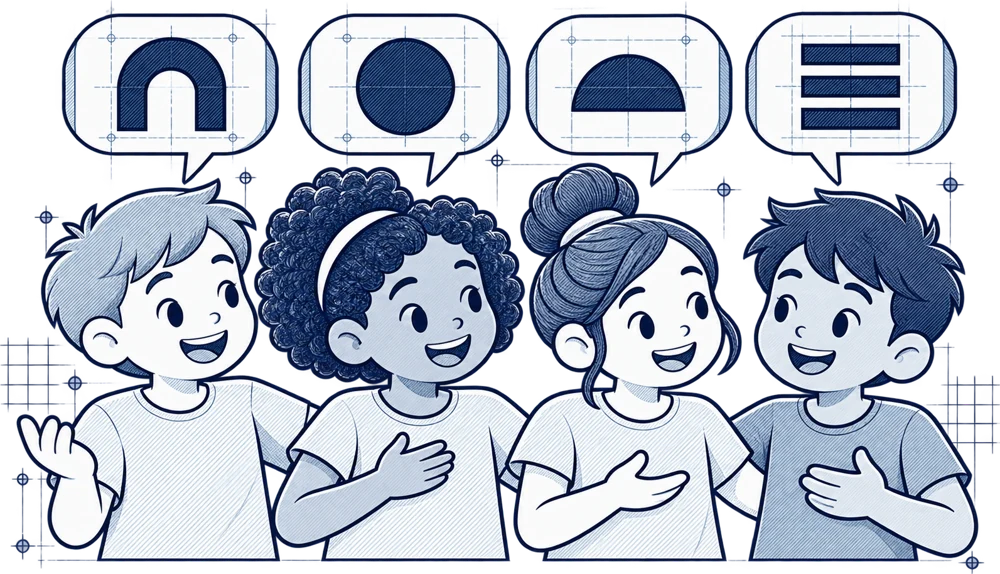
Drawing of four kids talking, with speech bubbles holding building-block shapes

Every voiceDiscussion prompts help every student contribute to the team’s decision, including multilingual learners and students who benefit from language support.

FAQ

Frequently asked questions

Can a student participate alone?

Yes. Teams may include 1–4 students.

Does each team build three mats?

No. Teams sketch three concepts and develop one final design.

Can teams use Color Codes?

Yes. Color Codes and Blockly approaches are judged on how well they support the design.

Does using Ari earn more points?

No. The rubric is robot-agnostic; Ari is eligible in grades 3–5.

Are robot costumes required?

No. They are optional and not scored.

How much meeting time should we plan?

Use the suggested pacing and adjust it to your January–March schedule.

Welcome-Ari-web Welcome-Ari-web

Bring Ozobot to Your School District

Our team of experts are here to help find the solution that fits your students’ needs.

Get A Quote