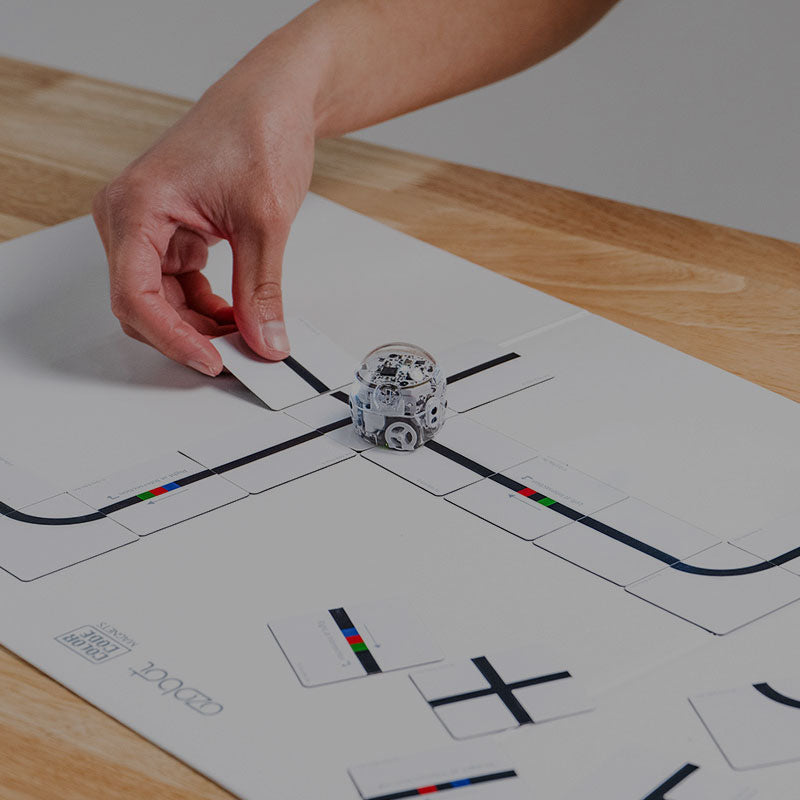

Color-Code-Magnets-poster-mage

Features & Benefits

Hands-On Coding for Young Learners

Color Code Magnets let students as young as Pre-K explore coding through tangible, interactive puzzle pieces, helping them develop sequencing, logic, and problem-solving skills while keeping learning playful and engaging.

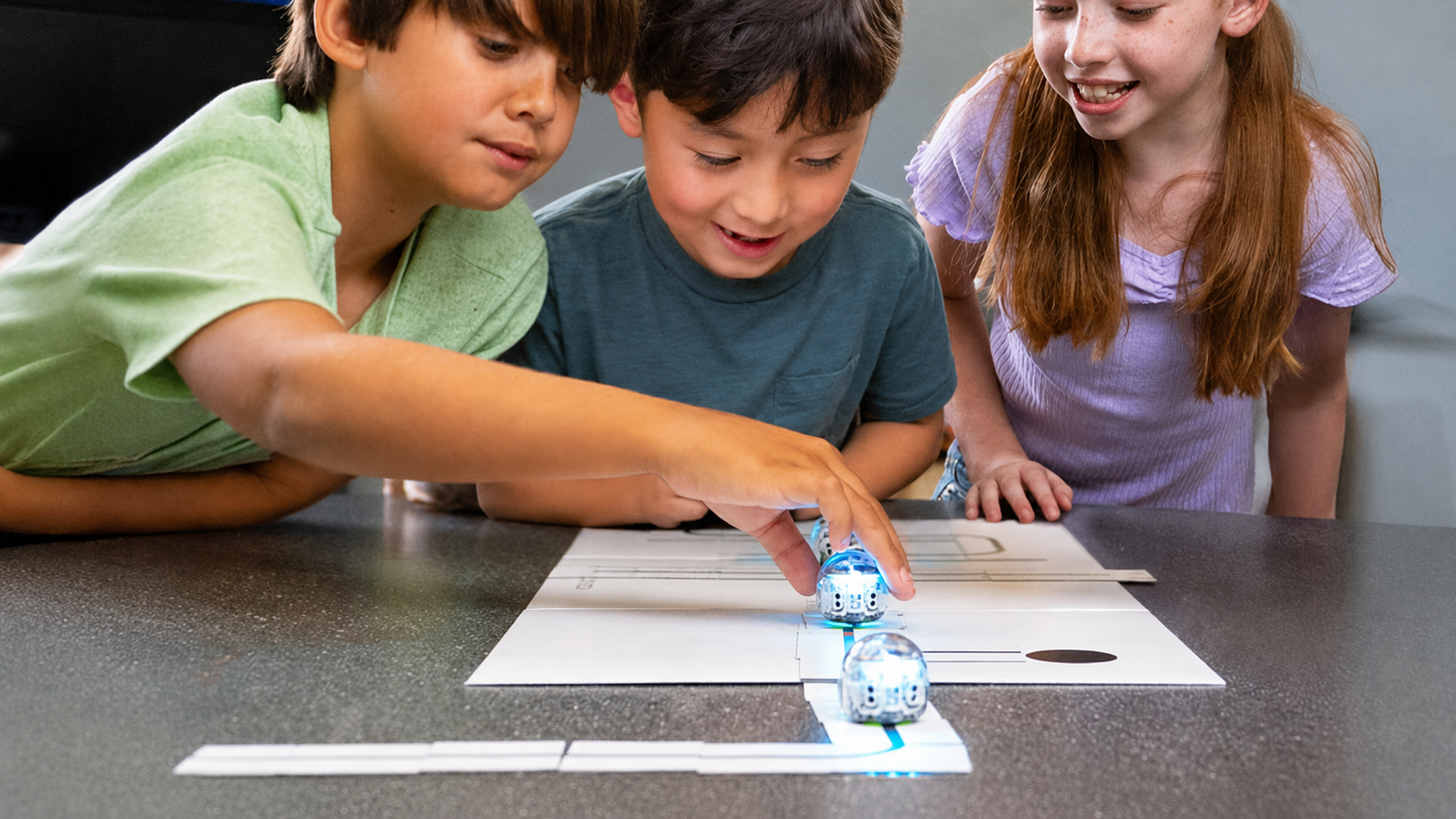
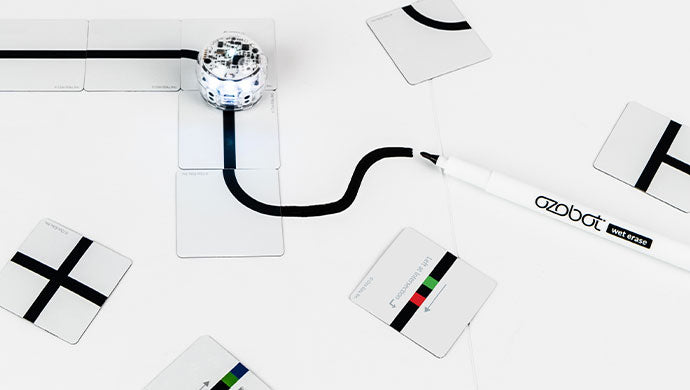
Ozobot-color-code-magnets-ccm-new-web-features6
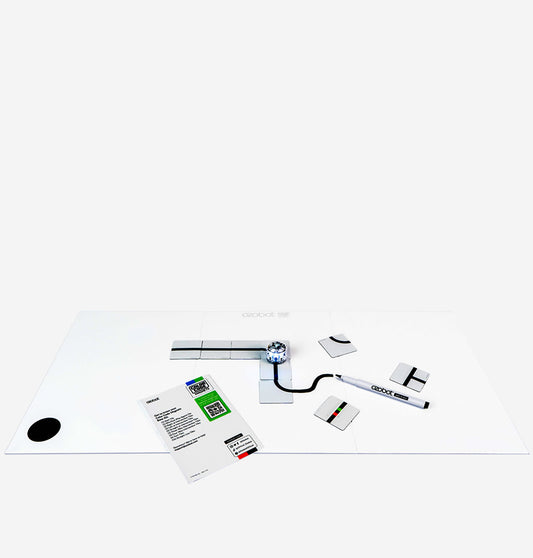
Ozobot Evo coding robot navigating a path created with Color Code Magnets on a board for hands-on coding and robotics learning

Beginner-Friendly Design

With appropriately sized, easy-to-handle pieces and a magnetic board, students can experiment confidently without frustration, supporting independent exploration and early coding comprehension.

Sequencing and Logic Made Simple

Students practice core coding concepts by arranging Color Codes and line-following pieces to create functional programs, reinforcing computational thinking through fun, hands-on experimentation.

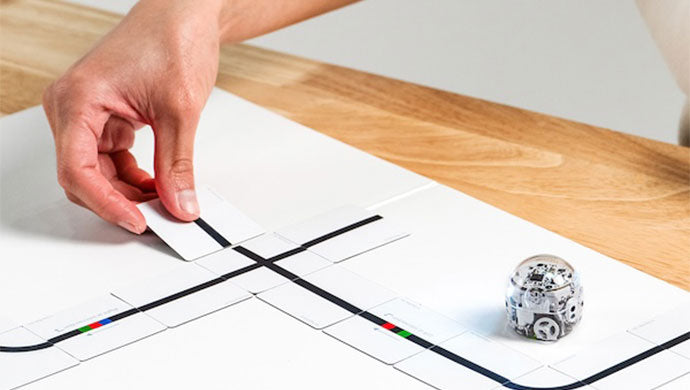
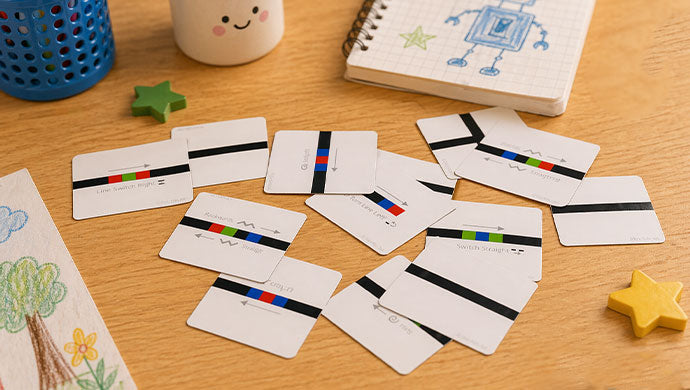
Ozobot-color-code-magnets-ccm-new-web-features3
Color Code Magnets pieces displaying Ozobot coding commands and pathways for interactive STEM learning and computational thinking practice

Durable and Classroom-Ready

Built to withstand frequent use, Color Code Magnets are made from sturdy, long-lasting materials that hold up to the wear and tear of daily learning activities.

Expandable Learning

The Base Kit pairs seamlessly with the Special Moves Kit and Speed Kit add-ons, giving educators flexible options to introduce advanced coding concepts as students’ skills grow.

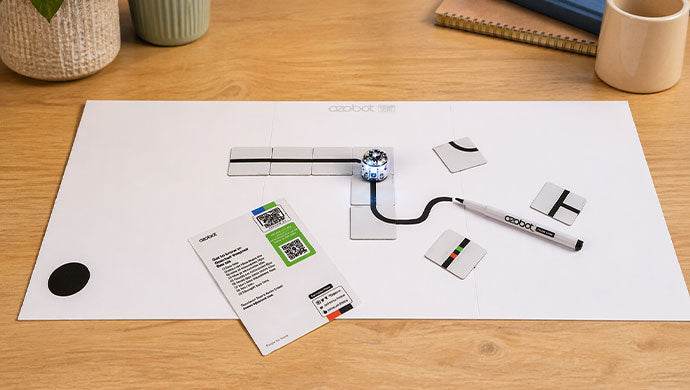
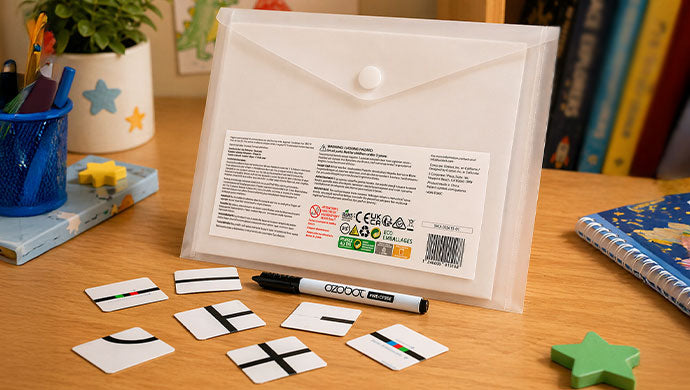
Ozobot-color-code-magnets-ccm-new-web-features1
Ozobot Color Code Magnets kit with reusable magnetic coding pieces, storage pouch, and marker for hands-on screen-free coding activities

Screen-Free Exploration

By removing the need for screens, Color Code Magnets allow students to focus on logic, sequencing, and collaboration, making coding accessible and engaging in any classroom or learning space.

Ozobot-Color-Code-Magnets-base-kit-new-web

Fast and Slow

Students will practice their knowledge of opposites and observe the difference between the Slow Color Code and the Fast Color Code.

View Lesson
Column_1
Column_1

Turbo and Cruise

Students will create a costume for Ozobot to wear while demonstrating the Cruise and Turbo Speed Codes.

View Lesson
Column_1
Column_1

Nitro Boost and Short Super Slow

Students will discover the two asymmetrical Speed Codes: Nitro Boost and Short Super Slow. Then, a Venn Diagram will be used to compare the codes.

View Lesson

Ozobot Professional Development

Our comprehensive training programs equip educators with the knowledge, tools, and resources needed to teach STEAM principles using Ozobot educational solutions confidently.

Led by experienced educators, learn how to integrate STEAM into your classroom, school, or district with one of our virtual or in-person Professional Development programs. No coding experience is required!
Learn More
Ozobot-Shopify-PD-new-homepage

Frequently asked questions

Certain color codes are designed to change the speed of the robot from super slow to turbo speed.

There are a total of 18 tiles with nine different Speed color codes.

No, the speed tiles are sold separately as an add-on accessory.

Yes, you can incorporate multiple speed tiles into a single coding sequence. This allows you to create projects that feature changing speeds, such as a robot that starts slow, speeds up, and then slows down again.

Yes, the speed tiles are compatible with all other Ozobot Color Code Magnet Kits. You can mix and match the speed tiles with other tile sets, such as direction tiles or Special Moves tiles, to create even more advanced and exciting coding projects.

Welcome-Ari-web Welcome-Ari-web

Bring Ozobot to Your School District

Our team of experts are here to help find the solution that fits your students’ needs.

Get A Quote