See the Highlights.

Pro for teachers. Magic for students.
Zero prep. Maximum impact. A turnkey solution designed to make deep STEM learning and computer science beautifully simple.

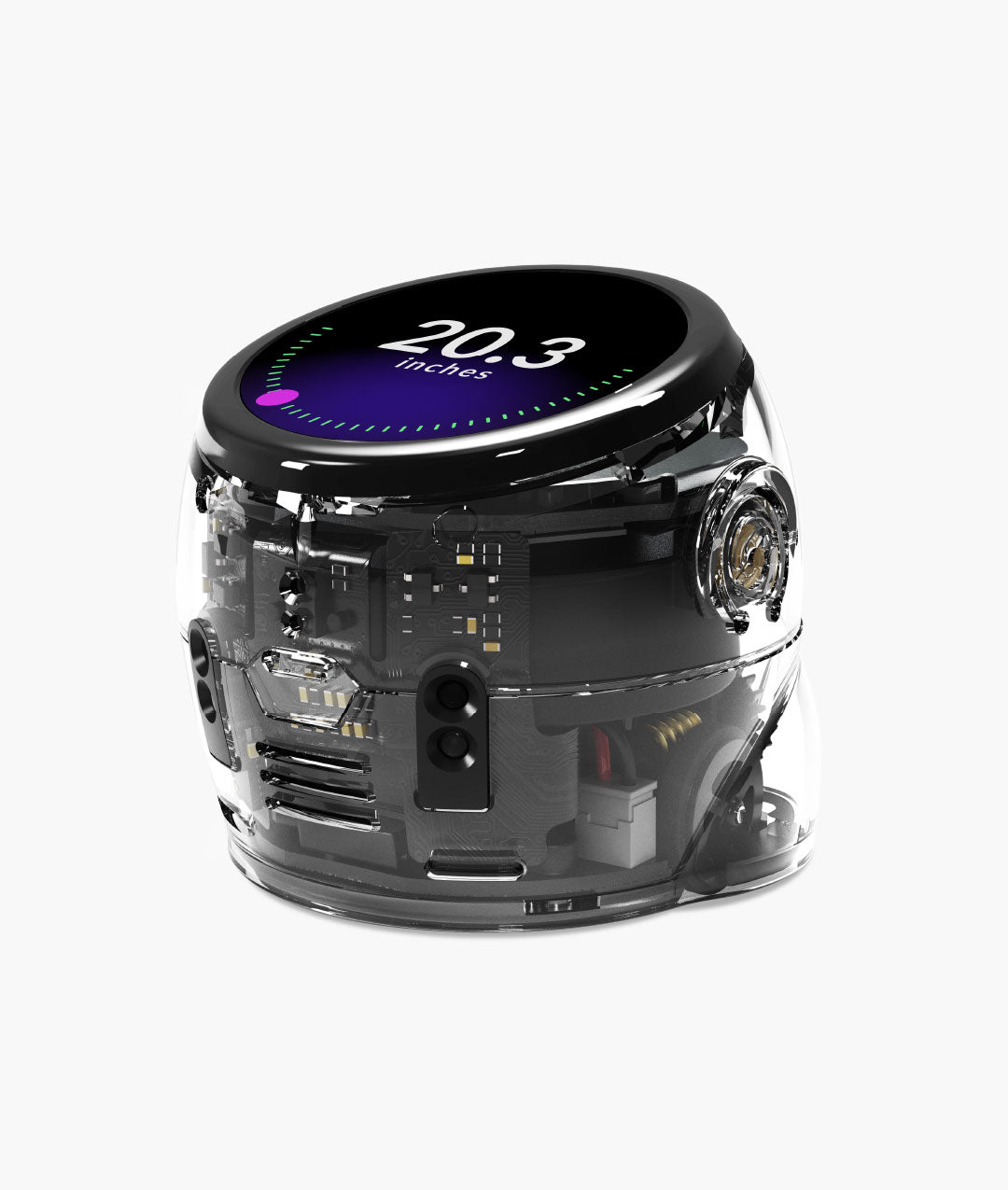
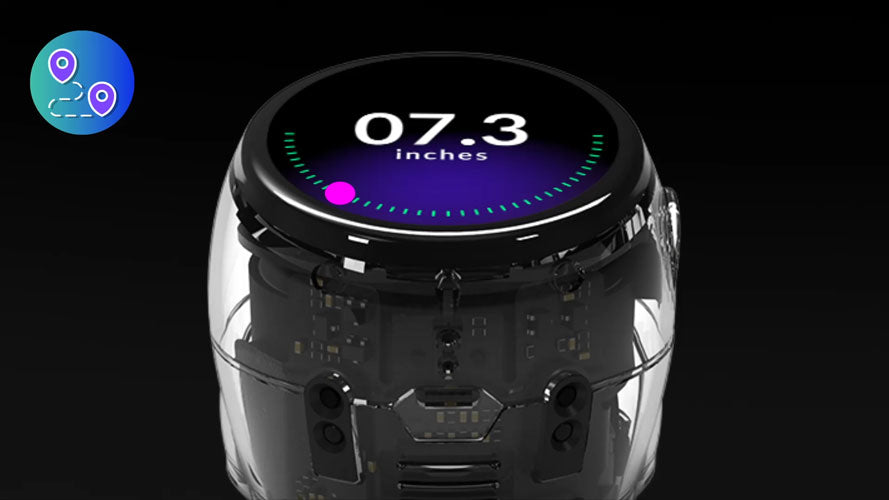
Equipped with a time-of-flight sensor
to measure, map, and navigate the real world. Hands-on science has never been this accessible.

Physics you can actually feel.
A built-in accelerometer and gyroscope turn motion and velocity into interactive, hands-on experiments. Theory, meet reality.

A touch of brilliance.
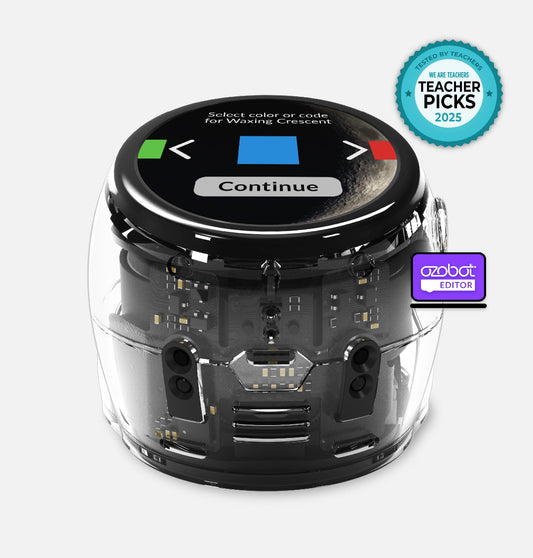
Engage instantly with a vibrant, intuitive touchscreen. Gather data, make choices, and watch abstract concepts click in real time.
Welcome Ari


Ari's vibrant display responds to student code in real time, making feedback visible, immediate, and engaging.

Color Codes, Ozobot Editor, and Python give every student an entry point and a clear path forward.

Time-of-flight, accelerometer, and gyroscope sensors turn physical motion and distance into live data students can code against.

Ozobot Editor's LLM block puts real AI capabilities directly into student programs — no separate platform required.

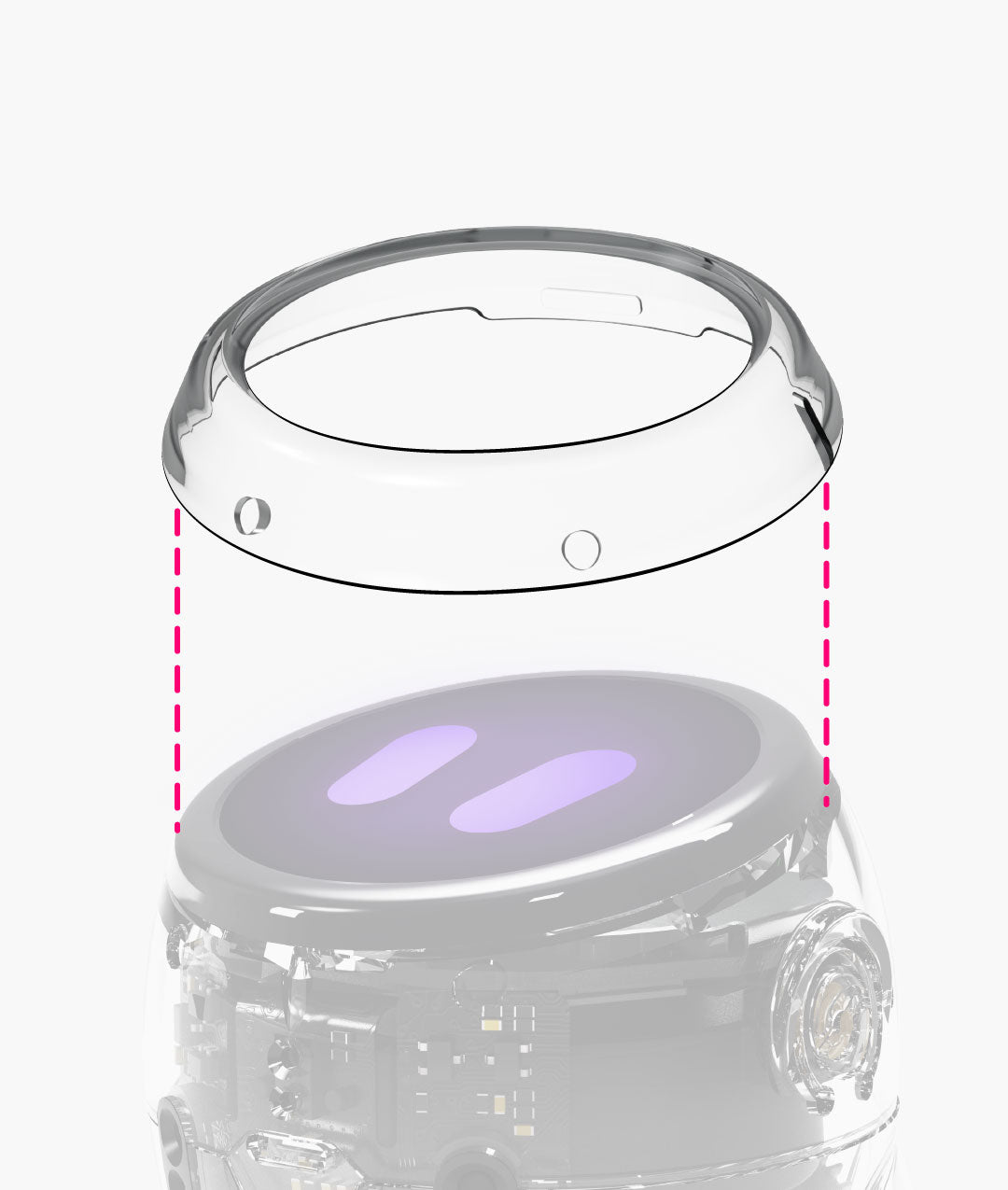
Wireless charging, screen protectors, and classroom management tools mean Ari is ready when the bell rings.

Programmable LEDs and an onboard speaker let students build richer, more expressive programs from day one.
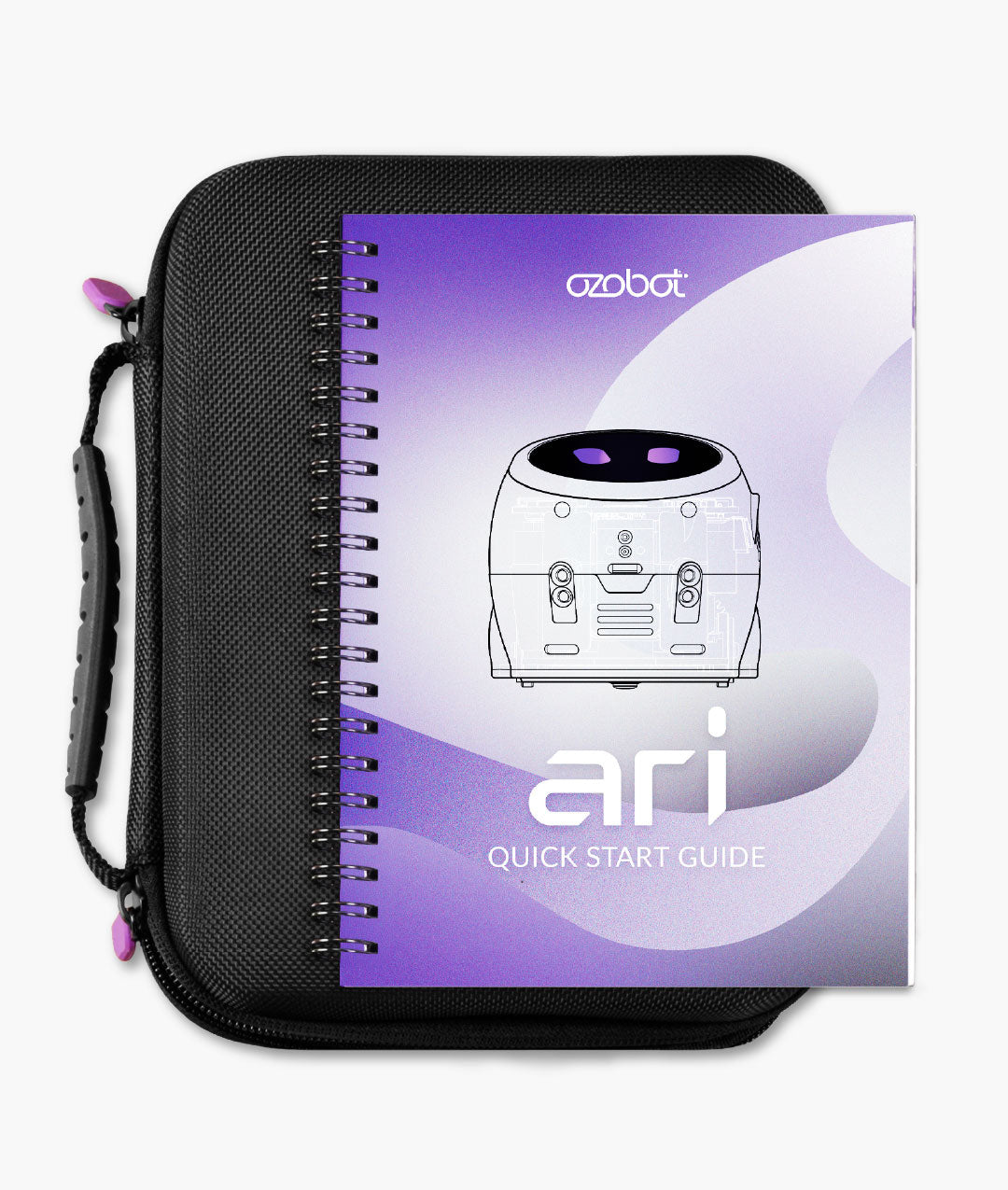
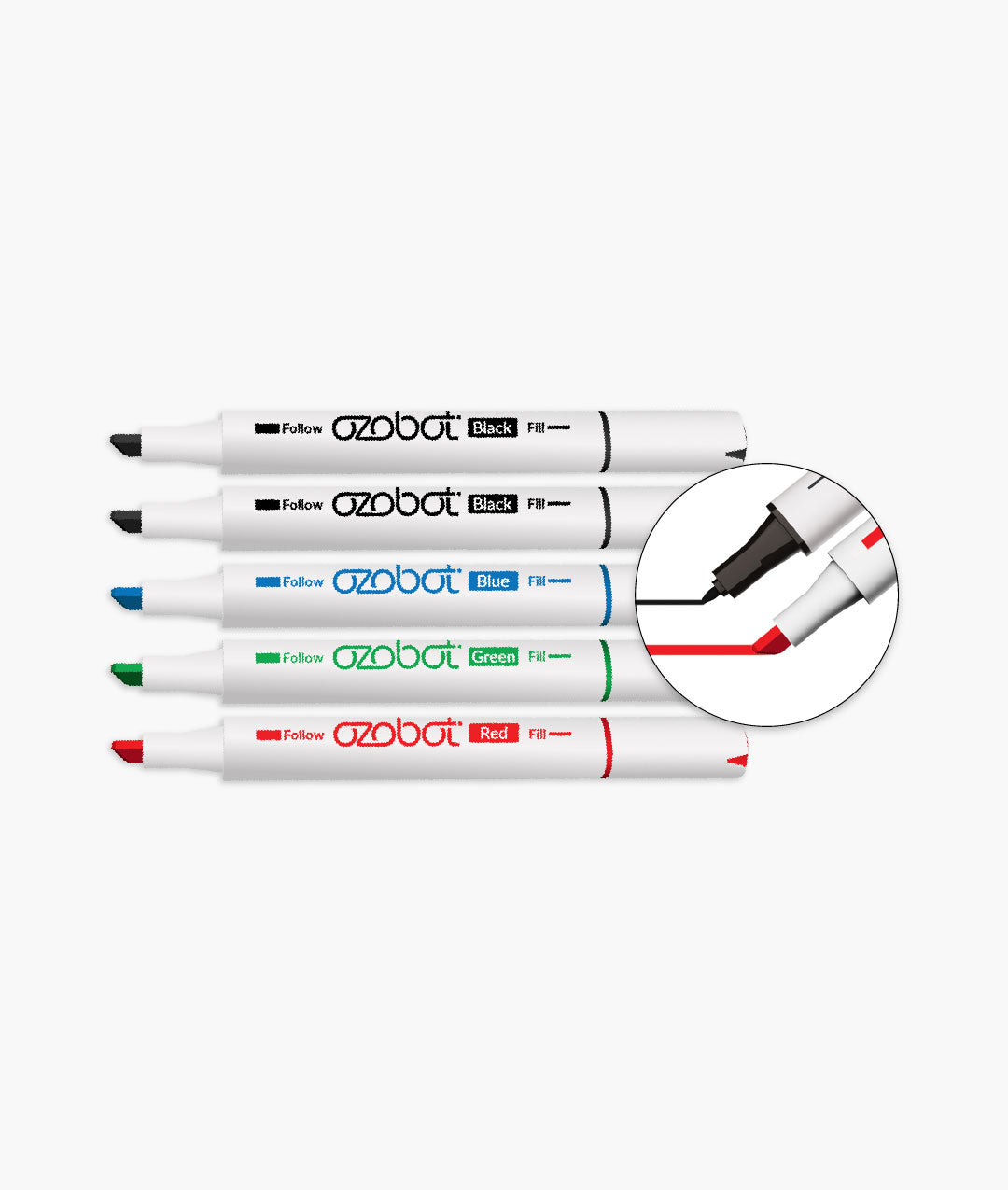
What's in the box?
Explore
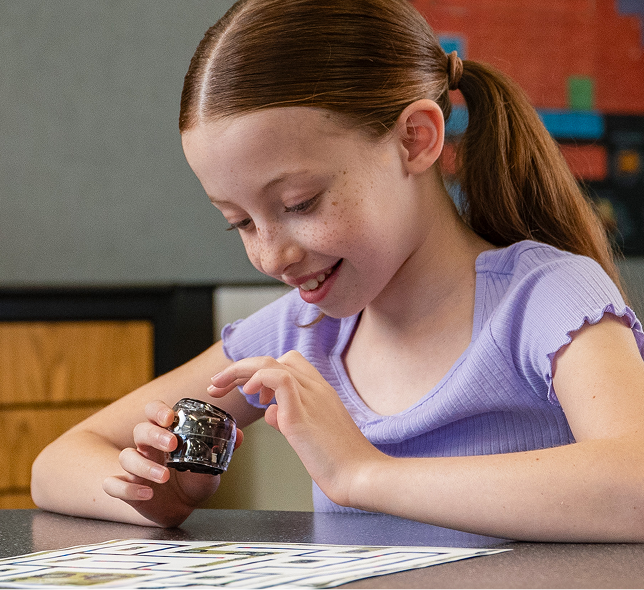
They know the basics. Now everything gets more interesting. Color Codes and Ozobot Editor open the door to a bigger coding experience.
Build
Standards-aligned projects take students deeper into CS, STEM, and AI — lesson by lesson, concept by concept.
Create
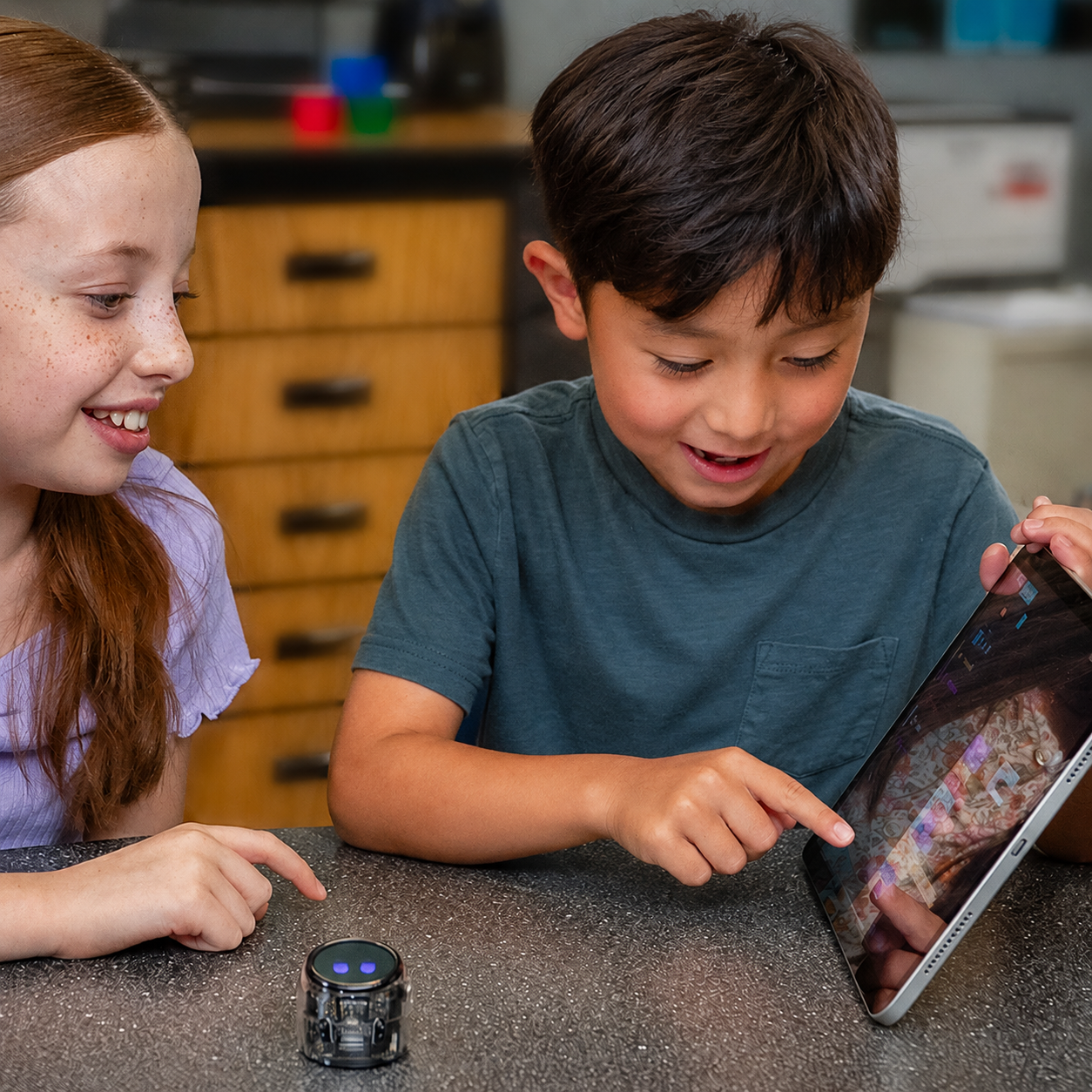
With Ari's full sensor suite, advanced students build real programs that solve real problems. No ceiling.
Lessons That Fit Your Classroom Standards
Ari isn't just for computer science. Standards-aligned curriculum brings Ari into science, math, ELA, and social studies — giving teachers in every subject a reason to reach for it. Built for grades 3–8, every lesson is ready to teach from day one.

Science
Animal Life Cycles App - Students will create interactive diagrams to show the life cycles of two different organisms. Ari will display the life cycles of the organisms as it travels on the track. Students then compare and contrast the two different life cycles.

Area and Perimeter Everywhere
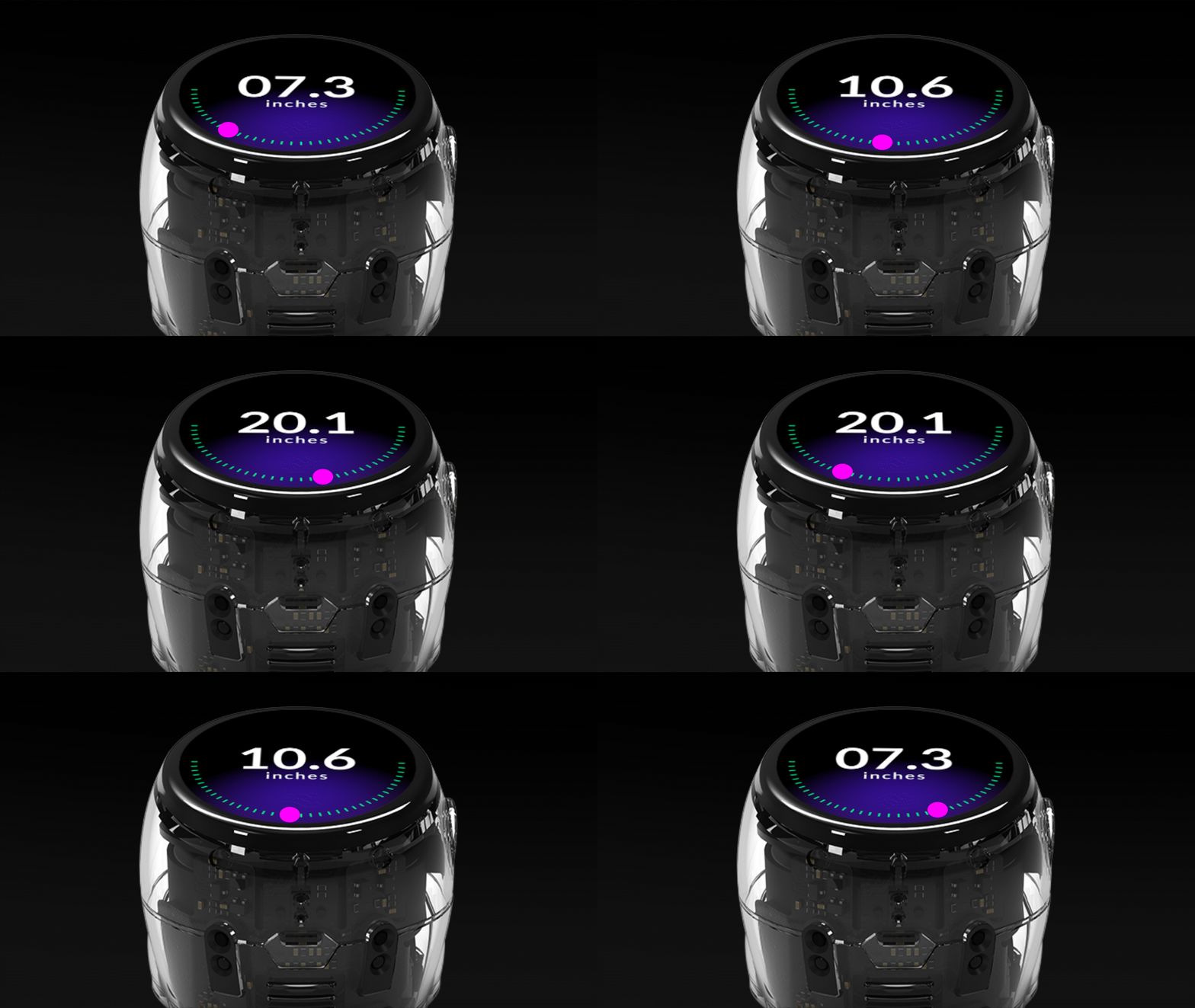
Students will use the Ari Distance app to measure the side lengths of rectangular shapes and calculate the shapes’ areas and perimeters. Students will then measure rectangular classroom objects to calculate their areas and perimeters.

Math
Crash Scene Investigator. Students act as crash scene investigators, using Ari’s Compass app and Newton’s Third Law to identify force directions and rebuild collision scenarios.
Apps Designed for Ari


Grades: K-5
Life Cycles
Academic Standards
- Grades K-5
- CCS Math
- CSTA
- ISTE
- NGSS

Grades K-5
The Night Sky
Academic Standards
- Grades: 1-5
- CSTA
- ISTE
- NGSS
Grades: K-8
Distance
Academic Standards
- Grades K-8
- CCSS Math
- CSTA
- CTE
- NGSS
Prep less. Teach more.

Always Free.
No licenses, no paywalls, no budget required. Every lesson, every activity, and every resource in Ozobot Classroom is free — for every teacher, forever.

Ready to Teach.
Step-by-step lesson plans, student handouts, and educator guides come fully built. Open a lesson and teach it today — no prep time needed.

Built for Every Subject.
Hundreds of standards-aligned lessons span CS, math, science, ELA, social studies, and SEL — so Ozobot earns a place in every classroom, not just one.
The Screen That Talks Back
Ari's touchscreen isn't just a display, it's how students see their code come to life. Every tap, every program, every reaction happens right on the robot in their hands.
Real-Time Feedback

Touch as Input
Data Students Can See

Expression Built In

Ozobot Editor

Built for AI
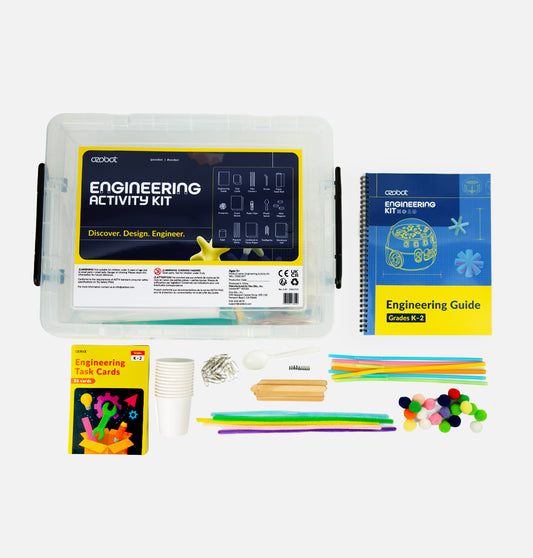
Designed to supplement classroom learning, Ozobot STEAM Kits offer ready-to-go creative and educational activities that encourage problem-solving, critical thinking, and collaboration through practicing real-world applications.
Ozobot Ari FAQs
-
Ozobot Ari is a programmable coding robot that teaches coding, robotics, artificial intelligence (AI), and computational thinking through hands-on STEM learning. Students can begin with screen-free Color Codes, progress to block-based programming with Ozobot Editor, and continue building coding skills with Python. Designed for classrooms, schools, and individual learners, Ari combines interactive technology with engaging lessons to help students develop confidence in computer science and problem-solving.
-
Ozobot Ari is designed for learners in grades 3-8, including students, educators, homeschool families, makerspaces, after-school programs, and schools. Whether you're introducing coding to a single learner with the Ari Entry Kit or teaching an entire class with an Ari Classroom Kit, Ari provides a hands-on way to build coding, robotics, and computational thinking skills at every experience level.
-
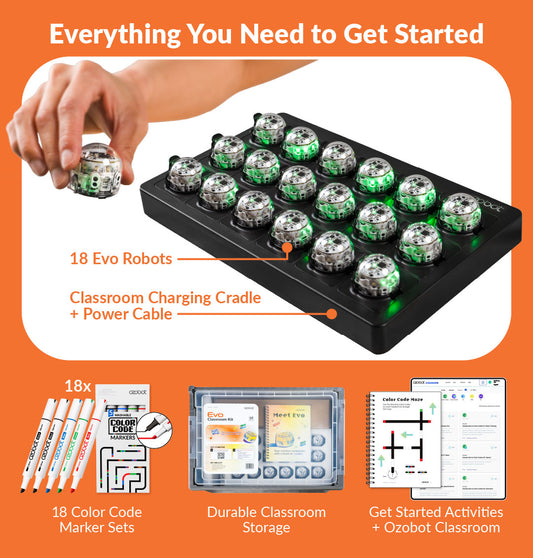
The right Ozobot Ari kit depends on how you'll be using it. The Ari Entry Kit is perfect for individual learners, homeschool families, and educators looking to explore coding and robotics with a single robot. Ari Classroom Kits include 6, 12, or 18 Ari robots and are designed for classrooms, STEM labs, makerspaces, and after-school programs, making it easy for multiple students to learn and collaborate.
-
Ozobot Ari is recommended for learners in grades 3-8. Its progressive learning approach allows beginners to start with foundational coding concepts while providing opportunities to explore more advanced programming as their skills develop.
-
Yes. Ozobot Ari is designed for beginners with no prior coding experience. Learners can start with simple Color Code programming before progressing to block-based coding in Ozobot Editor, building confidence and computational thinking skills step by step.
-
Ozobot Ari supports multiple ways to learn programming. Students can begin with Color Codes for screen-free coding, advance to block-based programming with Ozobot Editor, and continue developing their coding skills with Python as they gain experience.
-
Students develop coding, computational thinking, problem-solving, sequencing, debugging, collaboration, creativity, and engineering design skills. Ari also helps build confidence through hands-on STEM learning and interactive robotics challenges.
-
Ozobot Ari is compatible with a wide range of devices used in homes and classrooms.
For teachers and parents, Ozobot Classroom works on computers using the Google Chrome or Microsoft Edge browser, including:
- Chromebook (Chrome OS mid-2016 or later)
- Apple Mac (macOS 10.13 or later)
- Windows 10 (version 20H2 or later)
For students, Ozobot Editor is compatible with:
- Chromebook (Chrome OS mid-2016 or later)
- Apple Mac (macOS 10.13 or later)
- Windows 10 (version 20H2 or later)
- iPad and other iOS tablets (2015 models or later running iOS 13 or later*)
- Android tablets (2017 models or later running API 24 or later*)
*When using Ozobot Editor on an iOS or Android tablet, Ari must be connected to a Wi-Fi network.
- Chromebook (Chrome OS mid-2016 or later)
-
Ozobot provides hundreds of free lessons, coding activities, STEM projects, and classroom resources through Ozobot Classroom. Educators, parents, and students can explore standards-aligned content organized by grade level, subject, and coding experience.
-
Ozobot Ari combines screen-free coding, block-based programming, Python, built-in sensors, an interactive touchscreen, and standards-aligned curriculum in one educational robot. Its progressive learning path allows students to develop coding skills from beginner to advanced while engaging with real robotics concepts.
-
Yes. The Ari Entry Kit is an excellent option for homeschool families who want to teach coding, robotics, and STEM concepts through hands-on learning. Students can work independently or alongside parents while progressing at their own pace using guided lessons and activities.
Ozobot Professional Development
Our comprehensive training programs equip educators with the knowledge, tools, and resources needed to teach STEAM principles using Ozobot educational solutions confidently.
Led by experienced educators, learn how to integrate STEAM into your classroom, school, or district with one of our virtual or in-person Professional Development programs. No coding experience is required!
Your Students Might Also Like
-

 Regular price $250Regular priceUnit price per
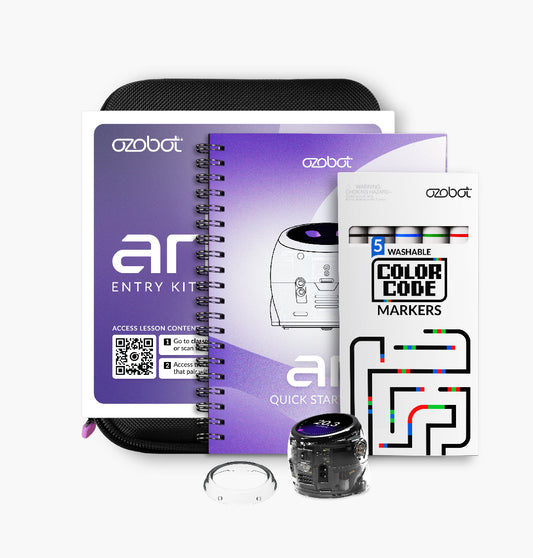
Ari Entry Kit
New -
Regular price $4,350Regular priceUnit price per
Ari Classroom Kit - 18 Bots
-

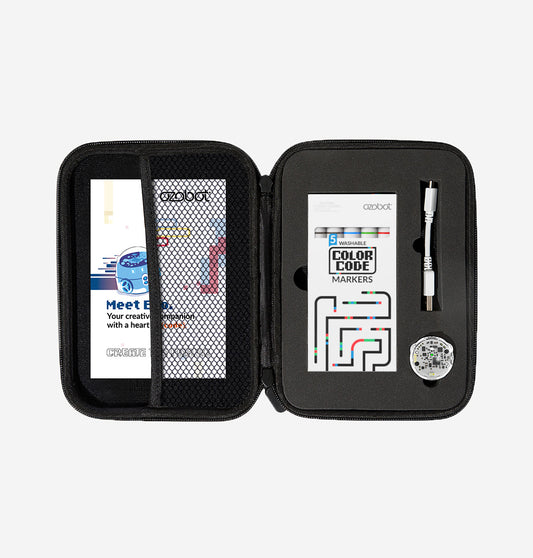 Regular price $175Regular priceUnit price per
Evo Entry Kit
Best Seller -
Regular price $2,990Regular priceUnit price per
Evo Classroom Kit - 18 Bots
-

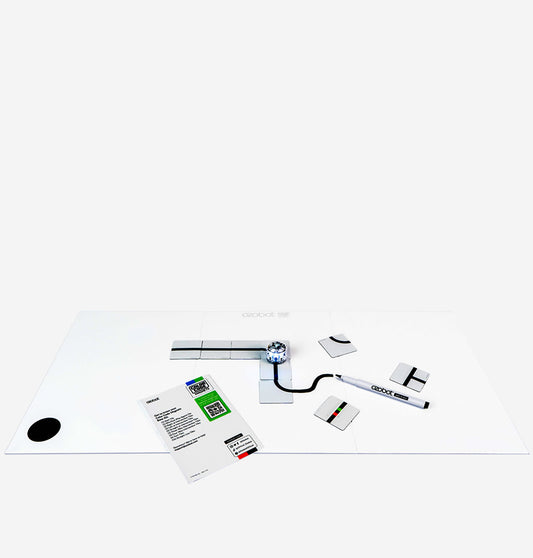 Regular price $30Regular priceUnit price per
Color Code Magnets: Base Kit
Best Seller -
Regular price $1,125Regular priceUnit price per
Engineering Kit with Evo 6 Pack: K-5 Students
NEW -
Regular price $75Regular priceUnit price per
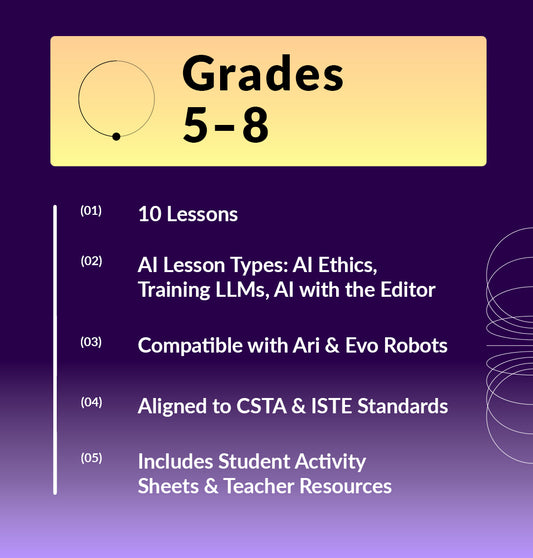
Foundations of AI: AI Curriculum for Schools | Grades 5–12